
100% gamepad-navigable*
Every action is reachable from a controller. Triggers act as modifiers (LT for file ops, RT for selection) and Start opens a command menu with everything.
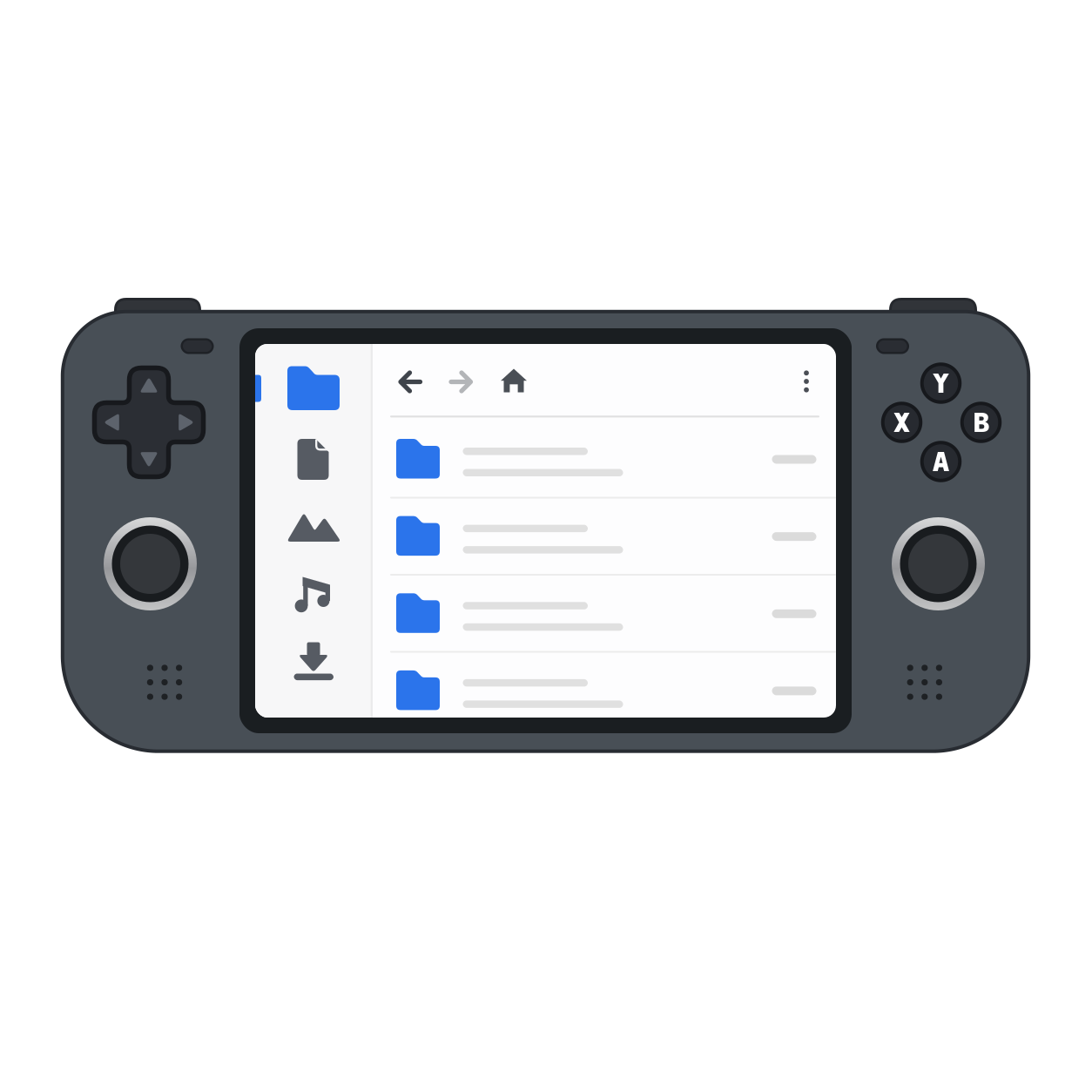
DeckCrate is a fast, modern, cross-platform file manager built with Flutter. Its defining trait: it’s driven by keyboard, mouse, and game controllers equally. Navigate with your controller’s D-pad, enter folders with A, go back with B — made for Steam Deck, ROG Ally, Legion Go, and the couch.
100% gamepad-navigable*
Every action is reachable from a controller. Triggers act as modifiers (LT for file ops, RT for selection) and Start opens a command menu with everything.
Fast & modern
A responsive Material 3 list view with tabs, a live-updating file list, a built-in preview pane, and an embedded terminal.
Real file operations
Copy, move, rename, batch-rename, trash, compress/extract, and mount disk images — all cancellable, pausable, and undoable.
Cross-platform
macOS, Linux, and Windows. Each OS uses its native trash, drives, and network mounts.
Git-aware
In a git repo, the status bar shows your branch and every file gets a status badge (modified, staged, untracked, ignored, conflicted).
Localized
A fully localized UI in 36 languages, including right-to-left support. Follows your OS locale and is switchable in-app.
Packed with features
Batch rename, disk-usage maps, embedded terminal, network mounts, archive password support, ISO mounting, and more — a deep toolbox that keeps growing.
Zero telemetry
No analytics, no crash reporting, no phone-home — not even for technical reasons. Your data stays on your machine. Read the privacy promise.
* Every feature is fully navigable with a gamepad on any device. Only text entry needs a keyboard: the built-in virtual keyboard on Steam Deck, Steam Machine and other SteamOS devices, or your physical keyboard on PCs and laptops, where Steam’s virtual keyboard isn’t available.